Moving from Another EDI System
When you come to ianaiERP from another ERP or EDI system, the aim is that your trading partners notice nothing. They keep sending to the same interchange IDs and connection, receive documents in the same form, and see your control numbers, invoice and ship notice numbers and carton SSCCs carry on from where the old system stopped.
EDI → Migration is where that happens. Your EDI administrators upload the old system's files and check the results; depending on how your EDI service is arranged, ianai or your administrators confirm the partners, load history and link open orders.
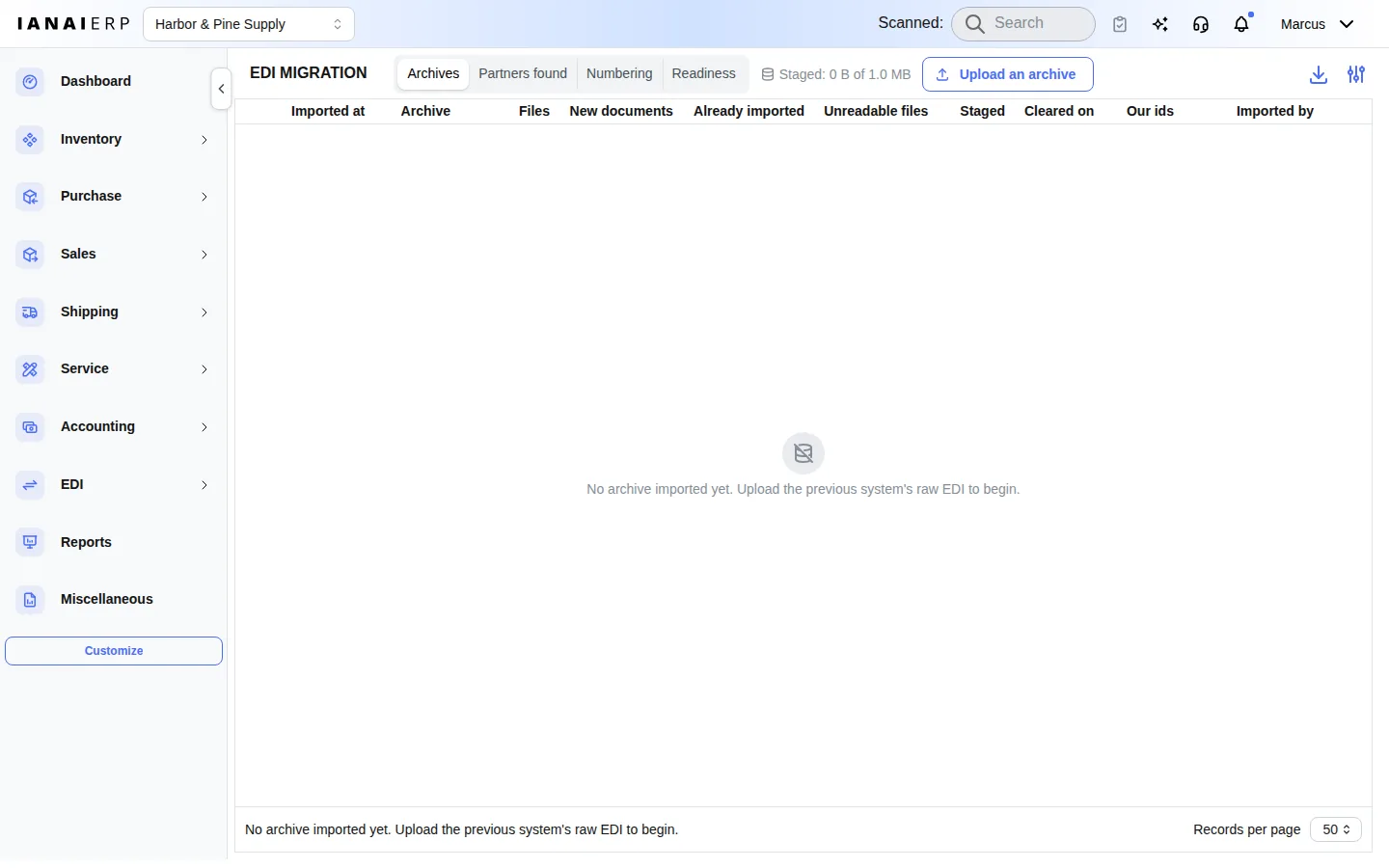 The EDI migration page
The page has four sections: Archives, Partners found, Numbering and Readiness.
What to collect from your old system
- The raw EDI archive, both directions, 6–12 months per partner if you can: the files exactly as they were received and sent. This is the most valuable input — it holds your partners' IDs, the versions they use, and real documents they already accepted.
- Connection details: AS2 IDs, certificate and URL, SFTP details, VAN mailbox.
- Your AS2 key and certificate, if you want partners to see no change (import it on any partner's Connections tab, under Our AS2 identity).
- The last control numbers, SSCC serials, and invoice and ship notice numbers used.
1. Archives: upload the old files
Click Upload an archive and choose a .zip of raw files, or one raw file (up to 64 MiB). Give it a Name, and optionally say which interchange IDs are yours. Click Import.
Nothing in an archive is posted, sent or acknowledged, and nothing is imported twice: uploading overlapping archives is safe.
Each archive lists its files, new documents, already-imported ones and unreadable files. Our ids says where your own interchange IDs came from: Given, From your trading partners, or Inferred (shown in orange — check these). The pencil corrects them.
Staged content is kept only as long as needed: it is cleared 90 days after the partner goes live, and at most 12 months after upload. Delete now clears it immediately; this cannot be undone. The history loaded from it stays.
2. Partners found
The archives are read into an inventory of the partners you exchanged with: their IDs, the names seen, what was exchanged, how many documents, and over what period. Work each partner through these steps, in order:
- Confirm partner — say which of your trading partners these IDs belong to (or create a New trading partner). Optionally set the partner's interchange IDs from the archive, with control numbers continuing above the highest you sent them.
- Load history — the partner's old documents are loaded as Migrated records on EDI → Documents: never posted, answered or acknowledged, but there to look up, and recognized if the partner resends one. A document type with no route yet says Set up its routes.
- Link open orders — open sales orders and purchase orders already in ianaiERP are matched to their original EDI purchase orders by PO number. Once linked, the ship notices and invoices you send for them quote the original order's lines exactly, and vendors' answers find the right purchase order. Results say what was linked and why anything was not (No open record — link again later; Several records; No customer or vendor).
- Replay — old received documents are run through the new mapping in check-only mode, to show they would come out right. Results are Clean, Failed, Different or Skipped.
3. Numbering
Partners reject duplicate numbers, so numbering continues above the old system's:
- Continue numbering above the previous system's raises the interchange control numbers per partner and your SSCC serials. Counters only ever go up.
- For invoice and ship notice numbers, the page proposes a number format that cannot collide with the old system's, with Apply (needs settings permission).
4. Readiness
Each partner shows Ready, Not ready or Blocked, from its replay and shadow-run results against a bar of clean documents in a row (20 by default). Thin evidence means fewer documents were checked than the bar.
The Shadow run table shows the last 14 days of a partner whose production route runs in shadow: copies of its live documents checked beside the old system. See Testing & Going Live.
Readiness only reports. Each route still goes live through a go-live request that one of your administrators approves.
Cutting over
How a partner moves depends on how it is connected today:
| Today | Moving | What the partner does |
|---|---|---|
| A VAN | Point the VAN mailbox to ianaiERP; keep your interchange IDs. | Nothing, beyond a re-test some partners ask for after any system change. |
| Direct AS2 | Import your AS2 ID and certificate. | Nothing if the AS2 address stays yours; otherwise a URL change. |
| SFTP you pull from | Move the login onto the connection. | Nothing. |
| SFTP the partner pushes to | Point the hostname to ianaiERP, or issue new logins. | A login or host change. |
Who does what
- EDI administrators (tenant owner, tenant admin or company admin with EDI write) upload archives, correct your interchange IDs, replay, and delete staged content.
- Confirming partners, loading history, linking open orders, continuing numbering and the readiness bar are done by ianai when ianai sets up your partners — the page shows Set up by ianai — or by your administrators when they set partners up themselves.
- Everyone else with EDI access can read the page.